How To Play
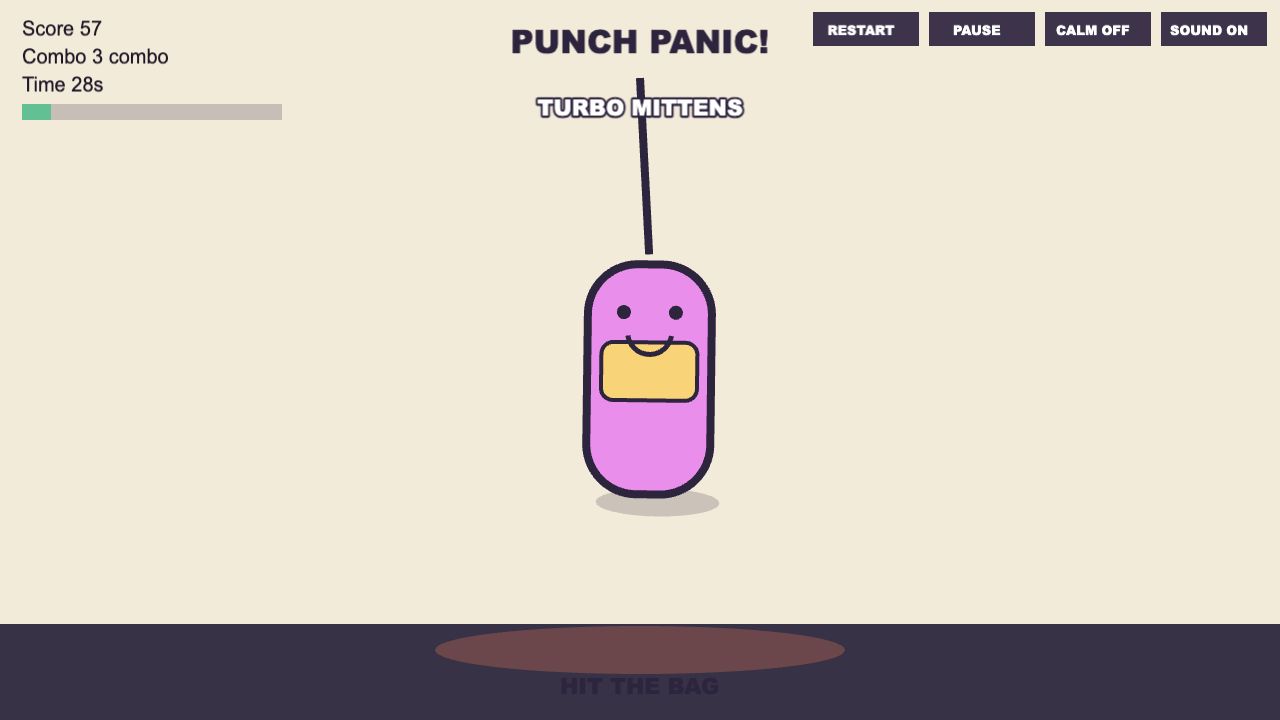
Punch Panic is built for short, silly stress-relief sessions. The goal is simple: hit the fictional cartoon punching bag, build a combo, fill the relief meter, and enjoy the exaggerated bounce and captions.
Controls
Mouse
Click the punching bag. Hitting different sides changes the swing and dent direction.
Touch
Tap the bag on phones and tablets. The layout keeps the main controls readable on small screens.
Keyboard
Press Space to punch, P to pause, R to restart, M to toggle sound, and C for calm motion.
Scoring And Combos
Each hit adds score. Consecutive hits inside the combo window increase the combo count, which makes the bag react harder and can trigger short power-up moments. Missing the rhythm resets the combo, but a new session starts immediately.
Calm Motion
Calm motion reduces camera shake, hit-stop, speed lines, and particle intensity. The bag still moves and reacts, but the visual pressure is lower for players who prefer a quieter screen.
Punch Panic is not a combat simulator. It is slapstick toy-box physics: cartoon dents, goofy captions, and no blood or realistic injury.